
Session timeout determines how long your users can remain inactive before being automatically logged out of their system. This helps protect user accounts from unauthorized access when left unattended.
To configure the session timeout:
-
Navigate to Security.
-
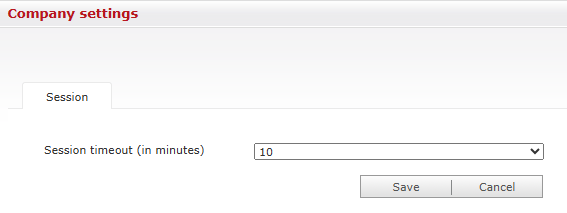
In the Session timeout (in minutes) field, select your desired timeout duration from the dropdown menu (e.g., 10 minutes).
-
Click Save to apply the changes.