The What’s New section provides the latest updates, features, and releases across Retarus and the myEAS platform. Information is organized into three tabs for easy navigation:
-
All
Displays updates from both Retarus and myEAS categories, giving a comprehensive overview of all recent announcements. -
Retarus
Shows only updates related to Retarus products, services, and innovations. -
EAS
Displays updates exclusively about the myEAS platform and its features.
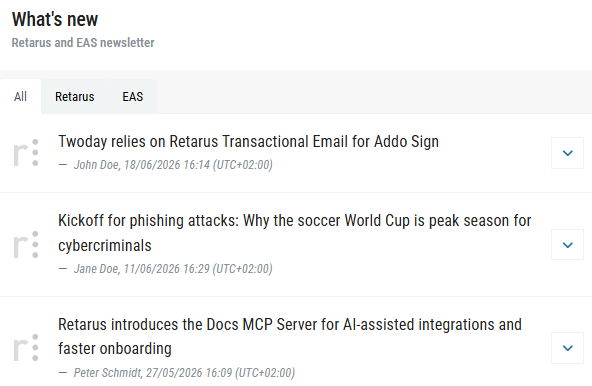
All entries are listed in descending order by publication date, with the most recent news at the top. Each entry includes the following information:
|
|
A brief, descriptive heading summarizing the update. |
|
|
The individual or team who published the announcement. |
|
|
The date and time when the update was published (UTC+01:00). |
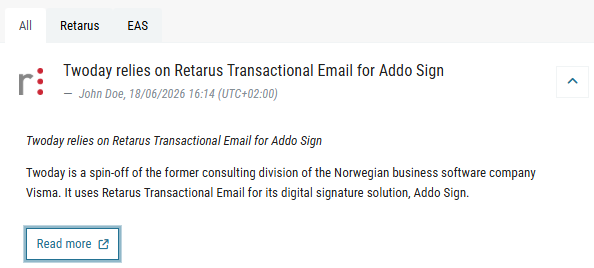
To see more information about an update, click the dropdown arrow on the right side of the entry. This expands the entry to show:
-
A detailed summary (for updates such as new blog posts)
-
Key highlights (for myEAS releases)
For full information, click Read more to open the original source, such as the Retarus website or Retarus Docs.