
Here you’ll find where to access available shortcuts that help speed up the validation process.
They make it easier to navigate, confirm values, and work more efficiently in the HITL interface.

-
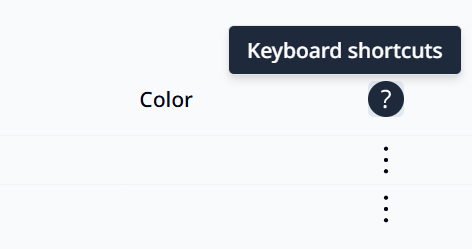
Click the black circle with the question mark above the extracted line items.
-
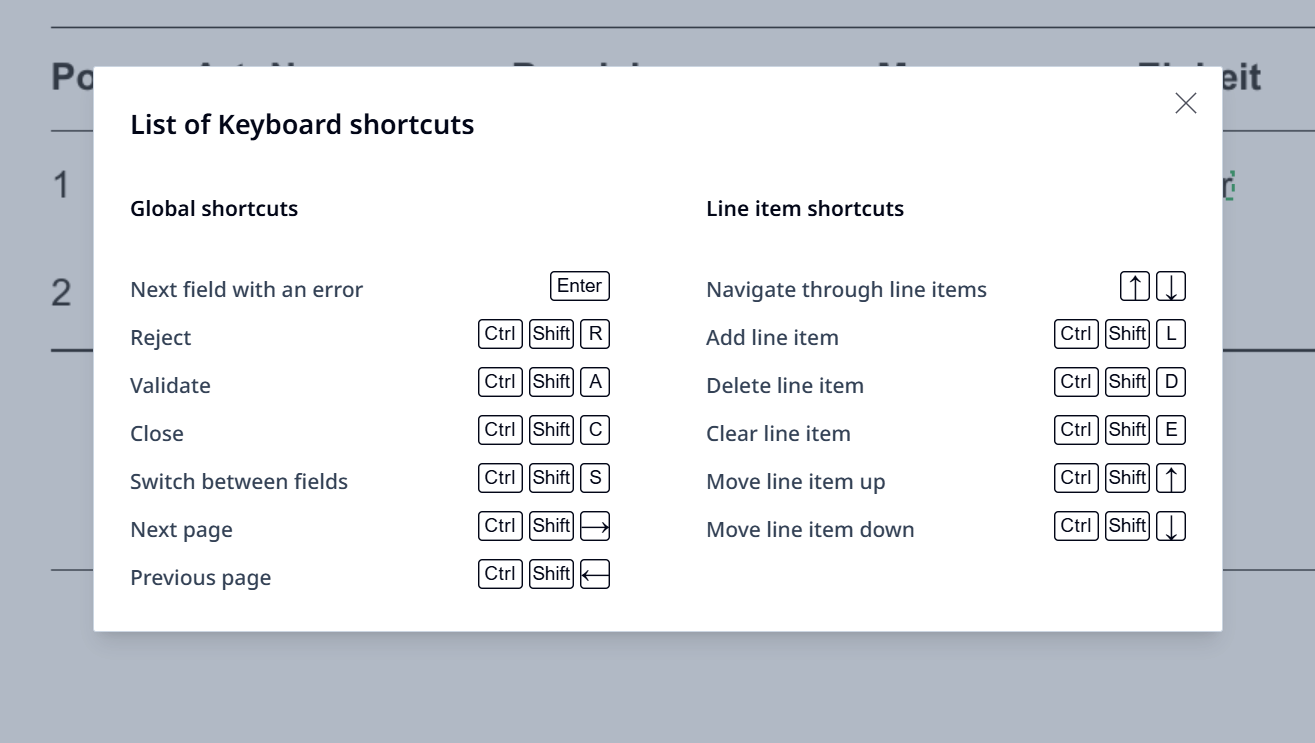
A window will open with an overview of available shortcuts to speed up your workflow.
-
Click the X to close the shortcuts window.