
The Basic View is the default view available to all users with access to EDI Conversions reporting in the myEAS portal. It provides an immediate overview of EDI activity using a predefined set of columns.
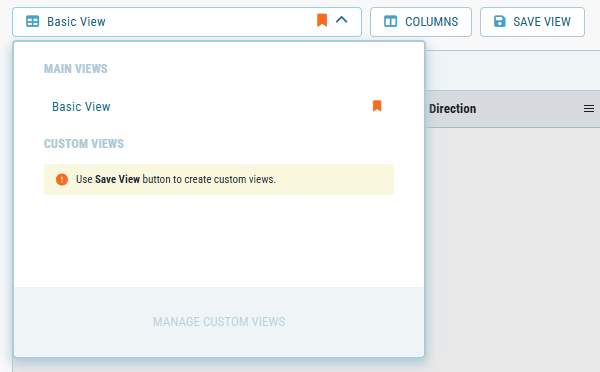
Basic View loads automatically when you open the EDI Conversions page. You can sort any visible column, apply quick date ranges, and export your current dataset without additional configuration.
Key features
-
Predefined columns
Displays a fixed set of core columns relevant to UDR reporting (e.g., Document Type, Actions, and Processing Date) -
Main filters
Filter data by key fields (Partner Company Name, Document Label (Key A), Document Label (Key B), Document Type, and Status)