
Use cost centers to allocate outbound fax usage for a faxbox to internal departments, projects, or business units for billing and chargeback purposes. You can set separate cost centers for inbound and outbound traffic.
-
An inbound cost center identifies inbound fax traffic for billing purposes.
-
An outbound cost center identifies outbound fax traffic for billing purposes.
Both fields accept free-text values, including letters, numbers, special characters, spaces, and UTF-8 characters. Each value can contain up to 64 characters. If you leave either field empty, no cost center is applied for that traffic type.
Cost centers are configured at the faxbox level. If you change a cost center, the new value is used only for future faxes. It does not change past fax activity.
📌 Cost center accounting activation
Cost center accounting is not enabled by default. To use this feature, contact Retarus support to have it activated for your account.
Set a cost center on a faxbox
You can set cost centers when you create a new faxbox or edit an existing one.
Adding cost centers when creating a faxbox
-
Start creating a new faxbox.
-
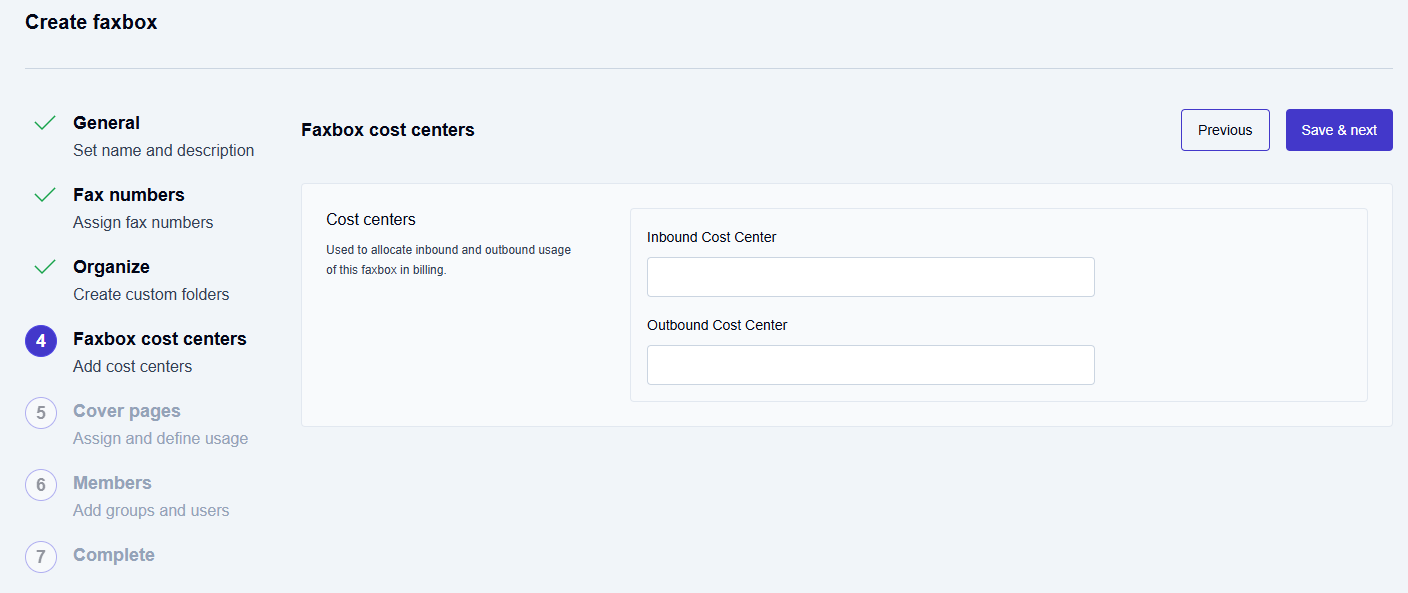
In the Faxbox cost centers step, enter values in the Inbound Cost Center and Outbound Cost Center fields.
-
Click Save & next.
-
Complete the remaining steps to finish creating the faxbox.
Editing cost centers on an existing faxbox
-
Go to Settings, and click Faxboxes.
-
Select the faxbox you want to update.
-
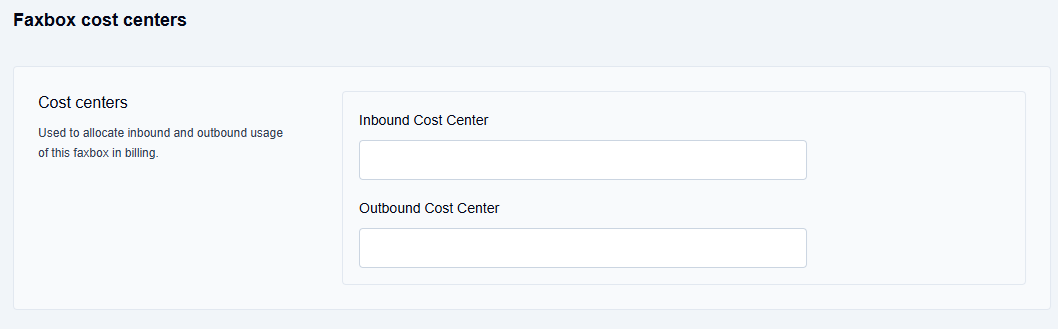
In the faxbox configuration form, find the Inbound Cost Center and Outbound Cost Center fields.
-
Enter or update the cost center values.
-
Click Update.