
UDR (User Data Report) Reporting in myEAS lets you monitor Transactional Email activity for your organization. You can view, filter, and export detailed records for all messages processed through the service.
📌 UDR Reporting is available to customers with the M4A_V2_REPORTING service booked.
The data columns you see depend on:
-
Which view you use (Basic View or a custom view)
-
Which columns you choose to display
Viewing UDR reports
-
In the top navigation bar, click TRANSACTIONAL EMAIL.
-
In the left navigation pane, Usage Report (UDR).
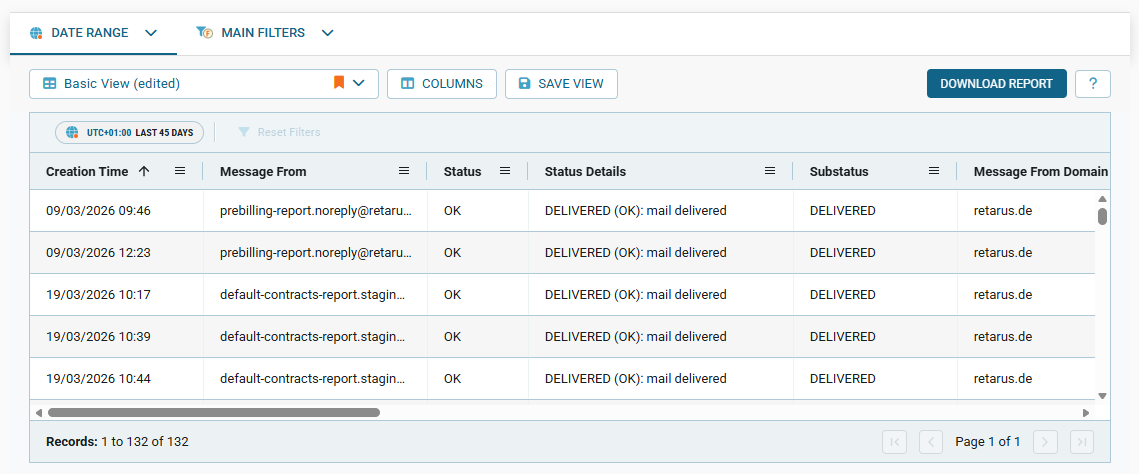
→ The reporting screen opens in your selected view (Basic View by default), showing the most recent SMS transactions sorted from newest to oldest.
📌 Custom report columns
You can customize which columns appear in the report by clicking COLUMNS and selecting the fields you need.
For more information, see Working with report tables.