
The Reporting: My recently generated reports section is located at the top right of the homepage, next to the Classic EAS migration banner. It provides quick access to reports you have recently generated, allowing you to download or review them without navigating to the individual product sections.
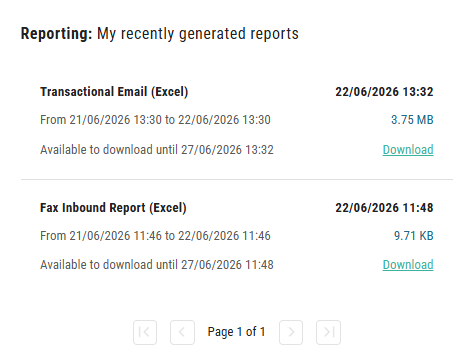
Each report entry displays the following details:
-
Report type (e.g., Email or Fax Inbound)
-
Report name and format
-
Date range the report covers
-
Generation timestamp
-
File size
-
Download link (available until the expiry date shown)
When multiple reports have been generated, the list is paginated. Use the navigation controls at the bottom of the section to move between pages.
If no reports have been generated yet, the section displays No content yet.