
Retarus is migrating features from Classic EAS to the new myEAS portal. During this transition:
-
Classic EAS remains the primary platform for most administration and configuration tasks.
-
myEAS gradually gains additional features as the migration progresses.
The homepage displays a Classic EAS is being migrated! banner in the main content area. This banner provides information about the migration and includes a Classic EAS button for direct access.
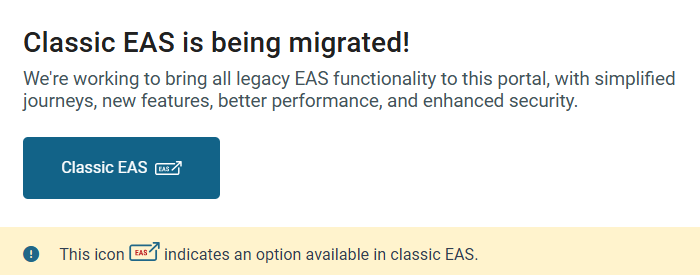
The Classic EAS icon 
To access Classic EAS from myEAS:
-
Navigate to the Home page.
-
Locate the Classic EAS is being migrated! banner in the main content area.
-
Click the Classic EAS button inside the banner.