
User Management lets you manage users, groups, roles, and permissions for your tenant.
As an administrator, you can create and update users, assign users to groups, and control access within the Fax Portal. Users and groups are managed on separate dedicated screens (Users and Groups) accessible from the Settings menu. You can create groups to match your organization’s structure and access requirements.
User Management also gives you visibility into user groups and assigned roles, helping you manage access and responsibilities across your tenant.
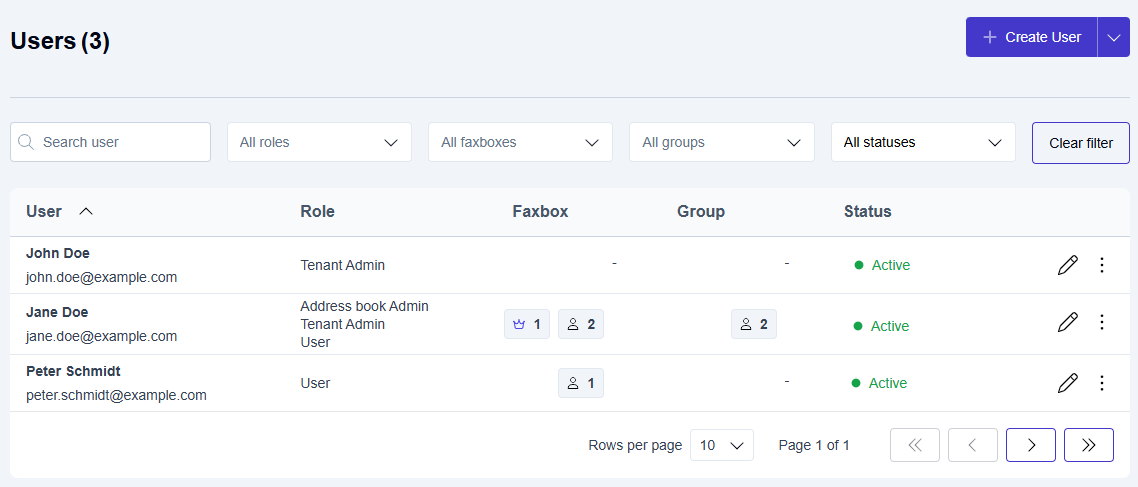
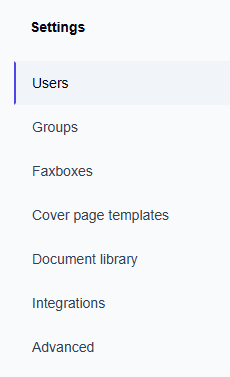
To open the Users or Groups page, click Settings on the main Enterprise Fax Portal page.
Group owners
Each user group can have up to 10 group owners. All group owners have the same permissions and share responsibility for managing the group. This helps ensure that someone can manage the group if one owner is unavailable.
Group owners can:
-
edit the group settings
-
add and remove group members
-
assign or remove other group owners
Group owners receive email notifications when ownership, membership, or group configuration changes. They can manage these notifications in My Profile. For more information, see Email Notifications.
Pending activation users
When you create a user but the user has not completed registration, the user appears with the Pending activation status. In tenants without SSO, these users cannot sign in until they complete registration.

You can resend activation emails to pending users. To prevent excessive email sending, the system lets you resend an activation email only once every 5 minutes. In SSO-enabled tenants, this resend action is unavailable. Users complete registration the first time they sign in through the identity provider.
Roles and permissions
User Management includes roles such as User, Address book Admin, and Tenant Admin. A user can have more than one role at the same time.
For detailed instructions on creating, editing, deleting, and managing users, groups, owners, and roles, see Managing users and permissions.