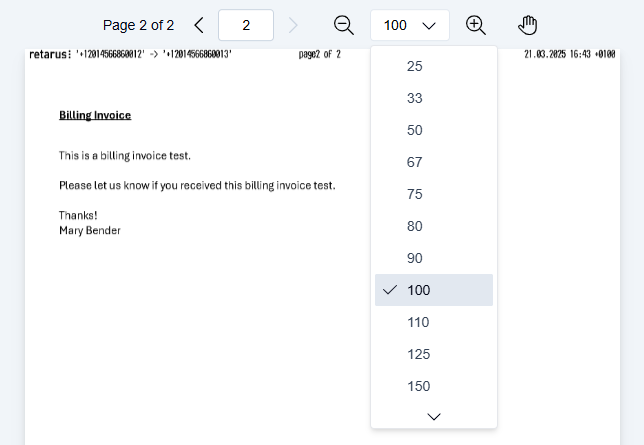
Move through a fax, inspect details, and review changes easily in the PDF Editor. Navigation tools are always available and work consistently, regardless of which editing tool is active.
You can navigate the document at any time while you edit or review it.
Zoom
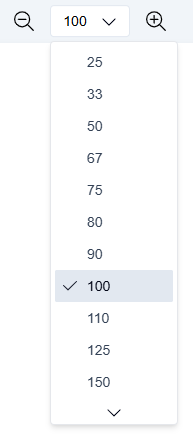
Use the zoom controls in the toolbar to adjust the zoom level:
-
Click − to zoom out.
-
Click + to zoom in.
-
Click the percentage value to select a preset zoom level from the dropdown.
Scroll
Use the mouse wheel to scroll vertically through the fax document.
Navigate
Using page arrows
-
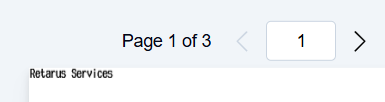
Use the page arrows to move forward or backward one page at a time.
Using thumbnails
-
Navigate to the thumbnail view.
-
Click any thumbnail to jump directly to that page.
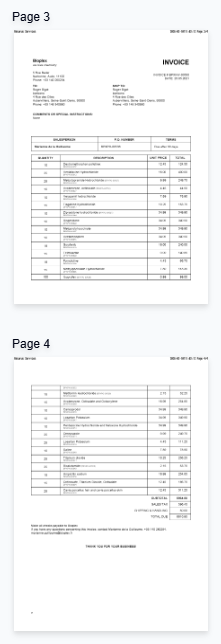
Thumbnail view is especially useful when you review long documents or prepare to reorder, rotate, or remove pages.
Preview your changes
Review the entire fax document before you send, export, or store it. To preview your changes:
-
Use the page arrows or thumbnail view to move between pages.
-
Scroll through the document with the mouse wheel.
-
Use the zoom controls (−, +, or the percentage dropdown) to inspect details more closely.